Please complete connection steps described in this article before connecting to Finamark for the first time.
Accessing the Platform
You can access this web-based platform at:
Log in or create an account on the Finamark platform to begin the connection process.
Connecting Your Trading Account
Log in to your Finamark account.
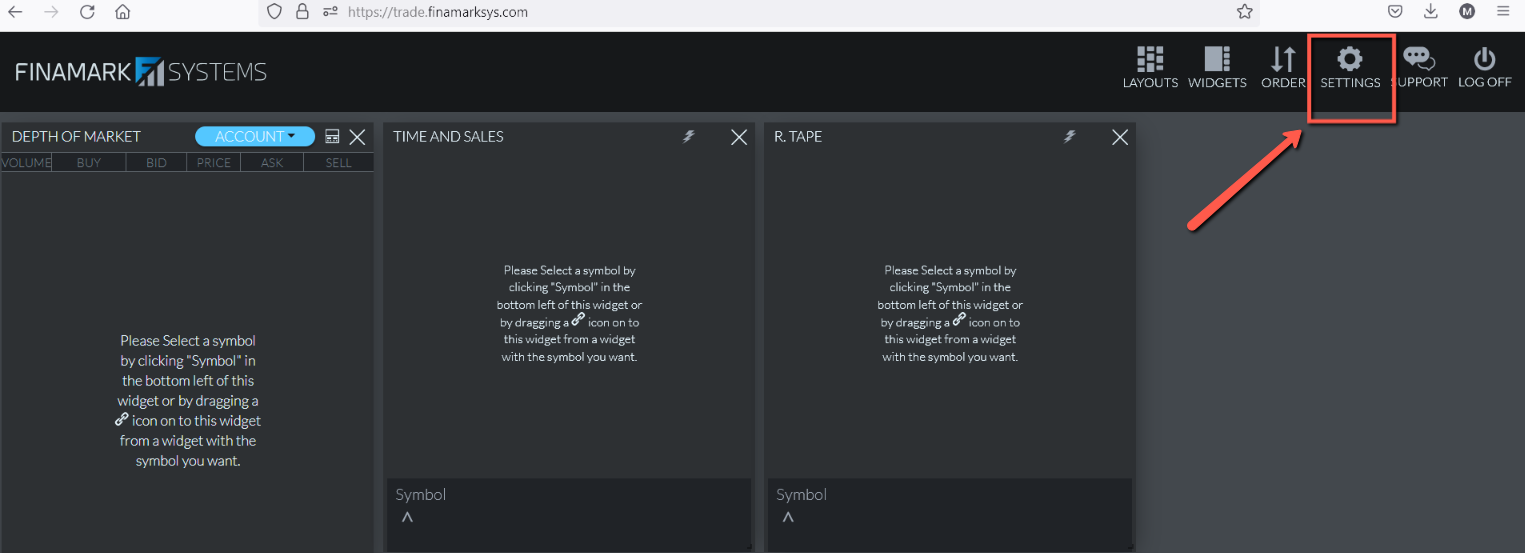
Click the Settings button located at the top of the page.
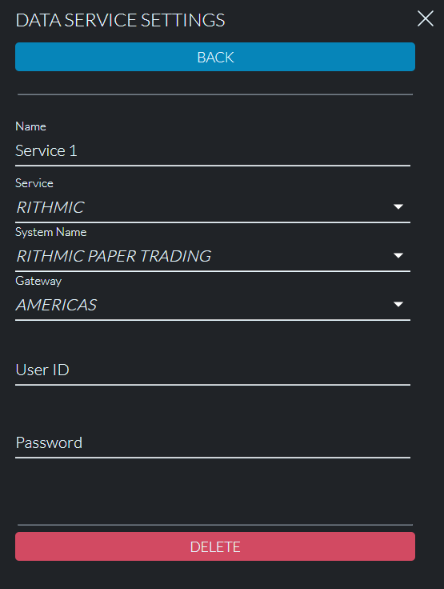
Go to Data Service Settings.
Select Rithmic Paper Trading as the system.
Enter your credentials found inside your Dashboard on our homepage.
Once your credentials are added, you will be able to connect your trading account.