
At Take Profit Trader, there are three kinds of accounts:
1. Test Accounts
2. PRO Accounts
3. PRO+ Account
1. Test Accounts
- When you first login to TakeProfitTrader.com, test accounts are displayed by default.
- Test accounts are the way we evaluate you as a trader. It's a "tryout" for a PRO account.
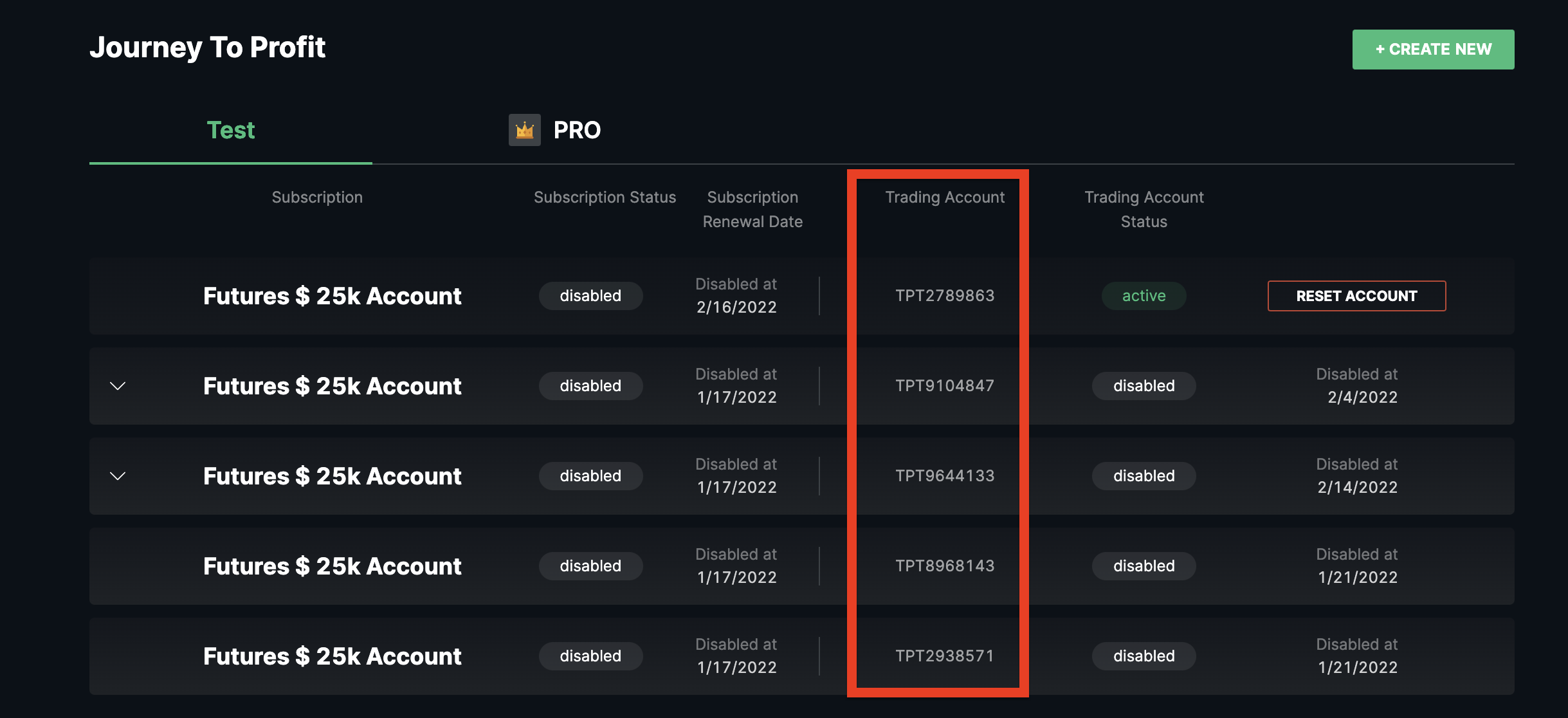
- In the Control Center, you can view all of your test accounts and their account numbers.
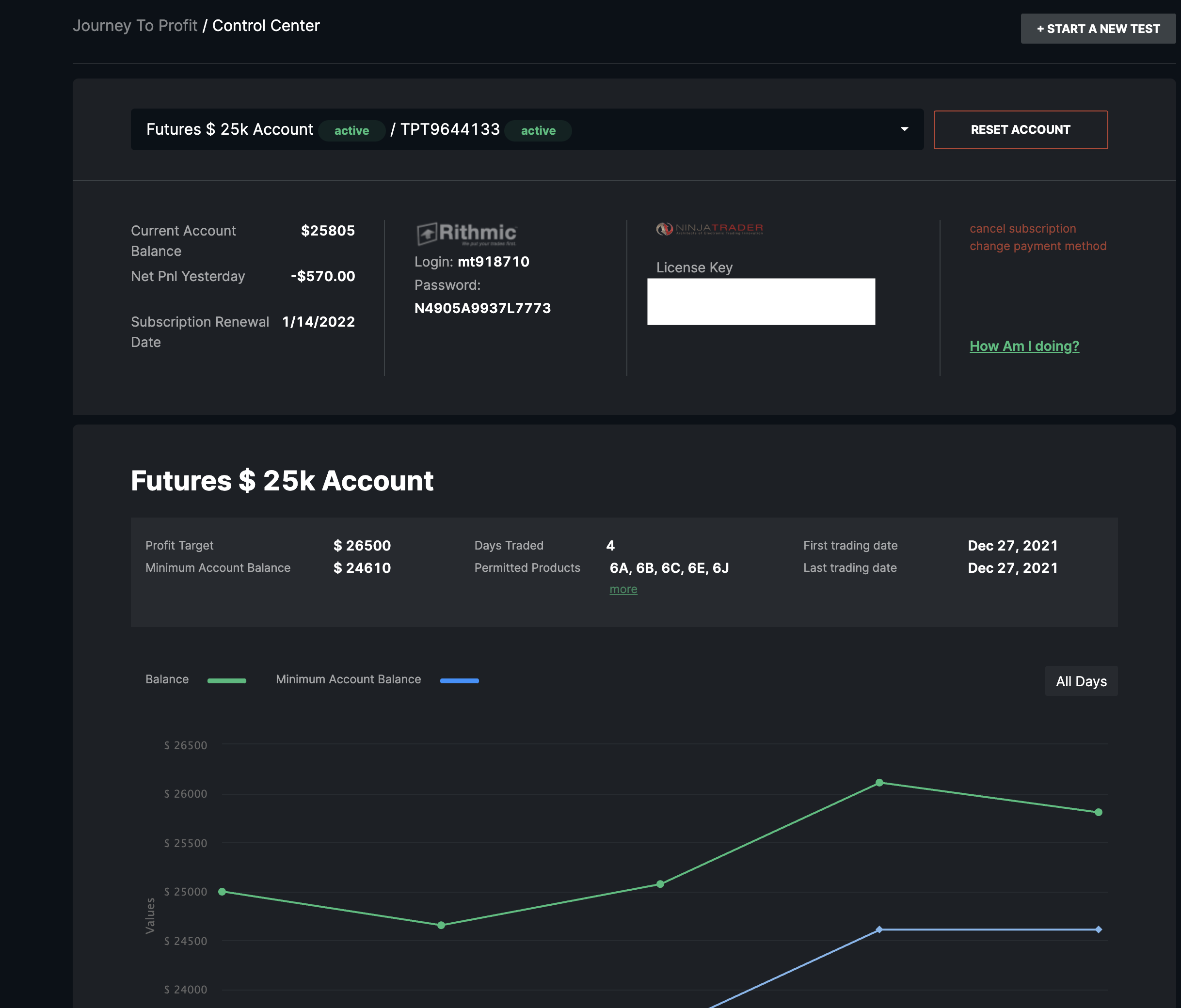
- Click on any of these accounts to open up the trading dashboard for that particular account.
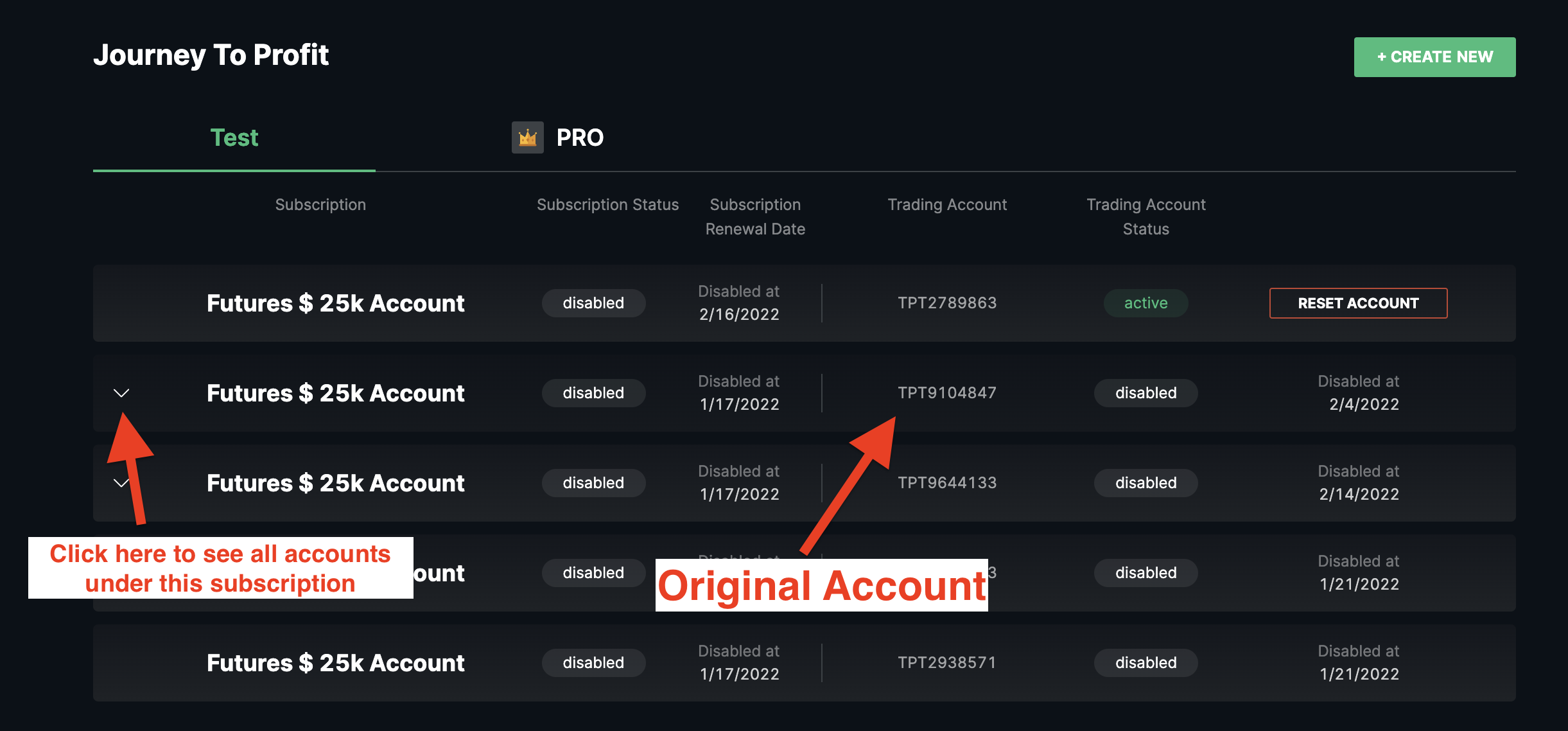
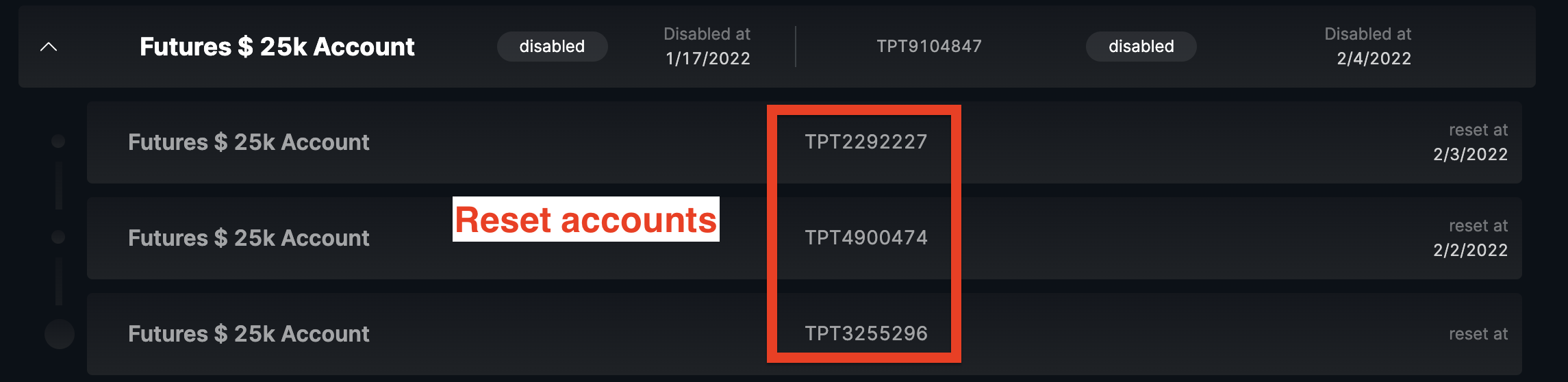
- If you have made a reset, or multiple resets, you can always find those accounts under the dropdown arrow under the most recent account.
2. PRO Accounts
- A PRO Account is the account that you get after you pass a trading test. On this account, you can make and withdraw profits.
- Next to the 'Test' accounts header, you will see the PRO Account tab at the top of the page. You can easily toggle between your "Test" accounts and "PRO" accounts simply by clicking back and forth.
- The platform credentials and licence key for your PRO account are going to be the same as you used for your test account.
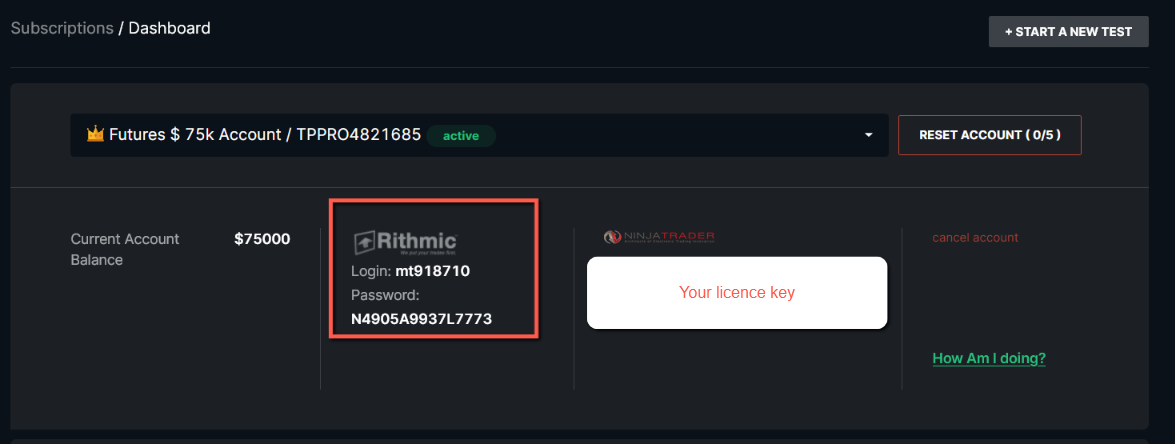
- You can keep track of your progress with PRO account the same way as with your test account. This is explained in depth here.
3. PRO+ Accounts
PRO+ accounts are explained in this section.