
There are three ways you can pay for anything at Take Profit Trader.
1. Debit/Credit card
2. Paypal
3. Your built in wallet

Debit/Credit Card
The first method is simple, you can pay for anything using the Bank/Credit Card Option.
-
Click on the Bank/Credit Card option.

-
Input the correct information of your Bank/Credit Card details.

PayPal
The second option for payment is PayPal.
-
Click on the PayPal option.

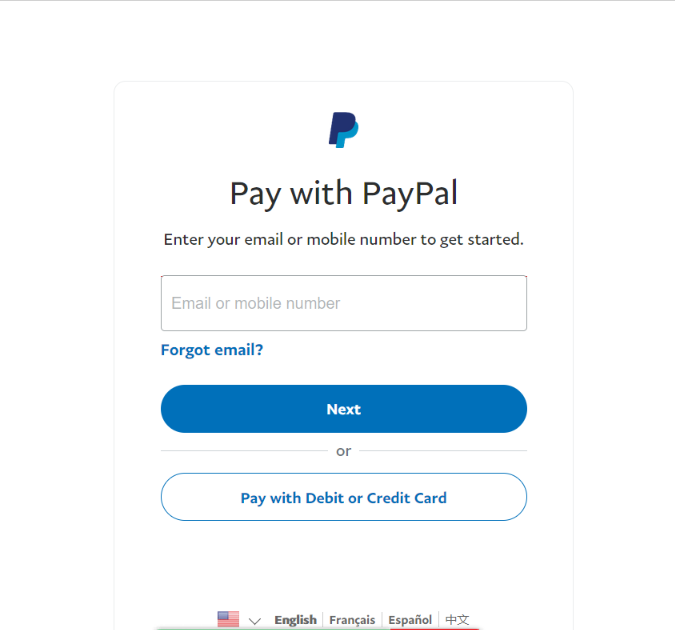
2. Next, you will see the PayPal login screen. Login with your PayPal credentials.
3. Once logged in, you will have to accept the terms and conditions. If it's a subscription, you are authorizing Take Profit Trader to charge your account every 30 days. If it's a one time payment, you are authorizing Take Profit Trader to charge you for this one payment.

4. Next, you will get a confirmation that you have subscribed (or paid a one time payment). In the case of a subscription, it will tell you when your next payment is due, and for how much.

Note: You can cancel this inside your Control Center at Take Profit Trader. You DO NOT need to go back to PayPal to cancel.
Wallet
The 3rd way to pay is through the wallet feature at Take Profit Trader. On all order forms at TakeProfitTrader.com you will see an option to use "Wallet."
If there are insufficient funds to cover the purchase, the wallet option will not be available. If your user has enough funds, the wallet would light up, and you would be able to make the payment using the wallet balance.
Note: We are developing the ability to make partial payments from the wallet.
In the event that the wallet does not have enough to cover subsequent subscription payments, you will get an email notification to change your payment method, five days before your subscription renews. 

You can find information about withdrawing from the wallet in its own section here.